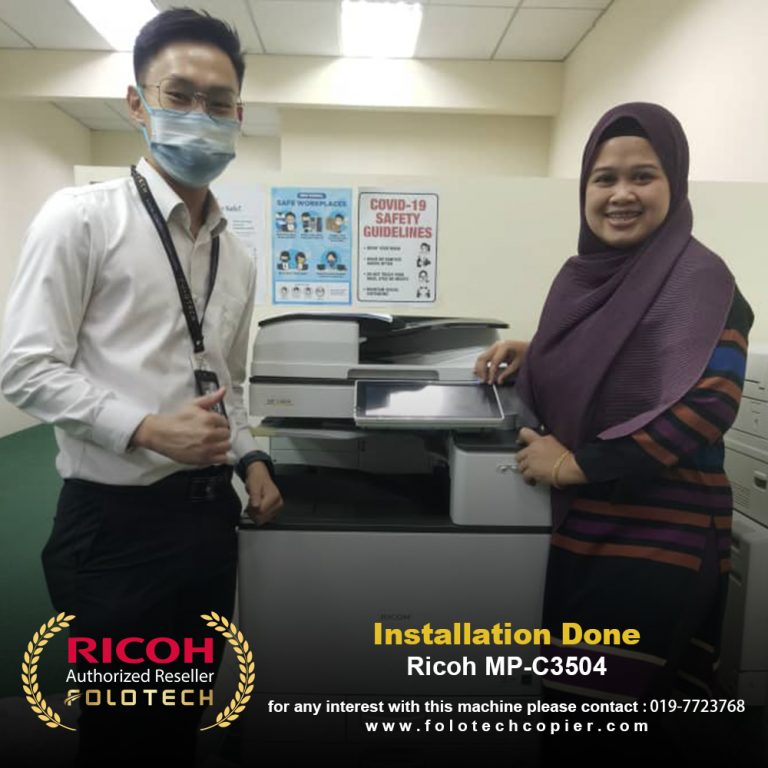
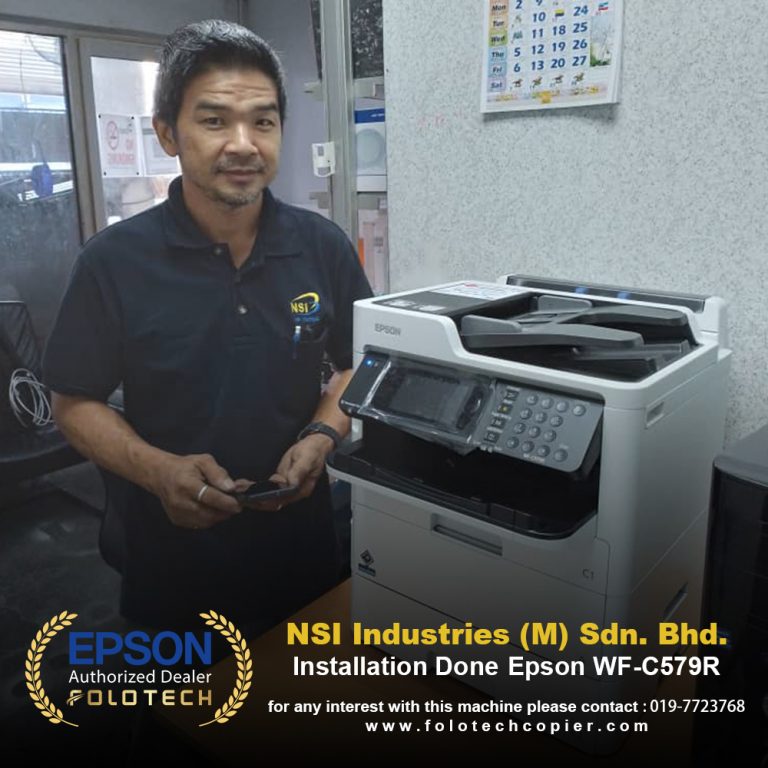
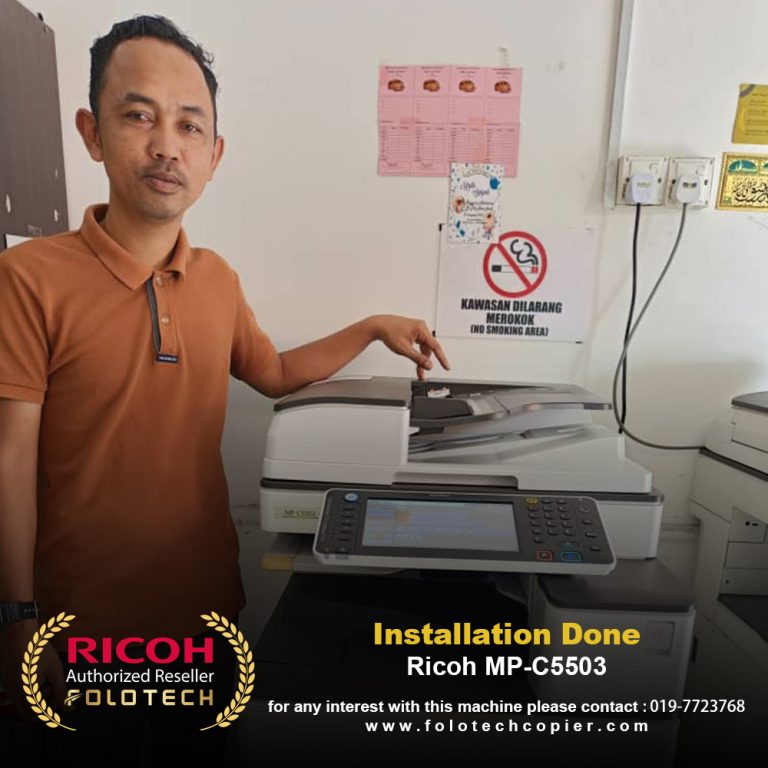
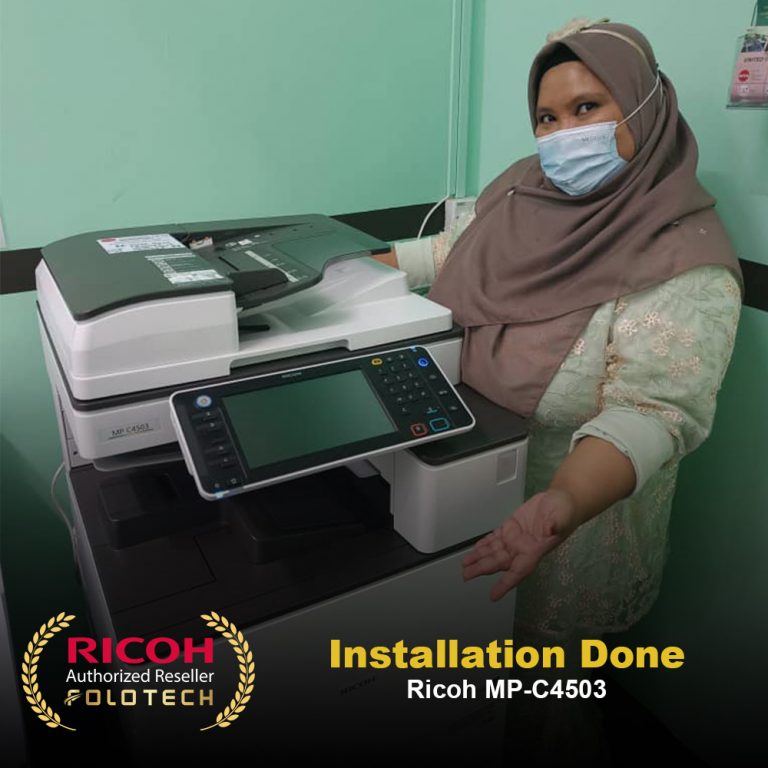
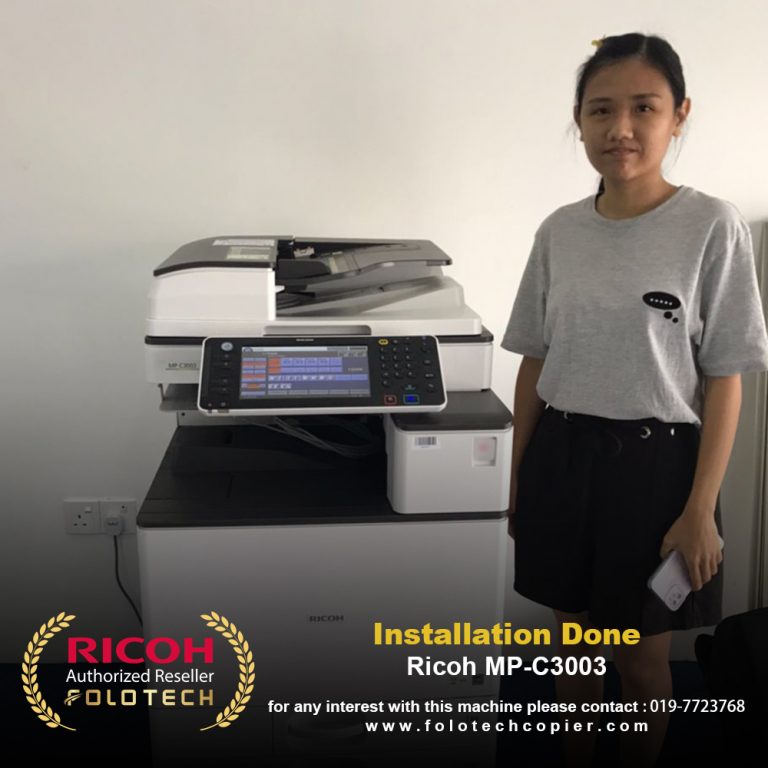
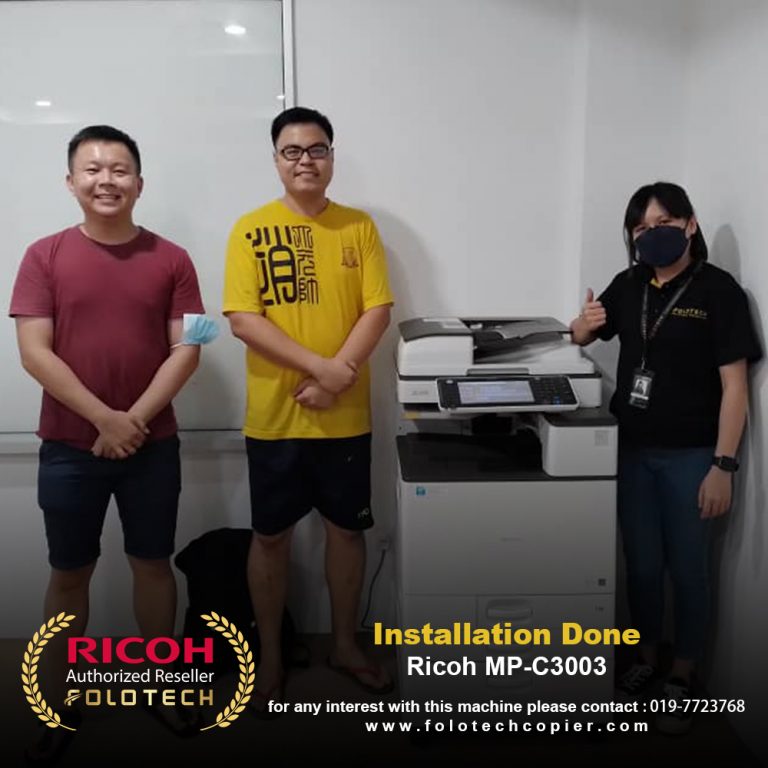
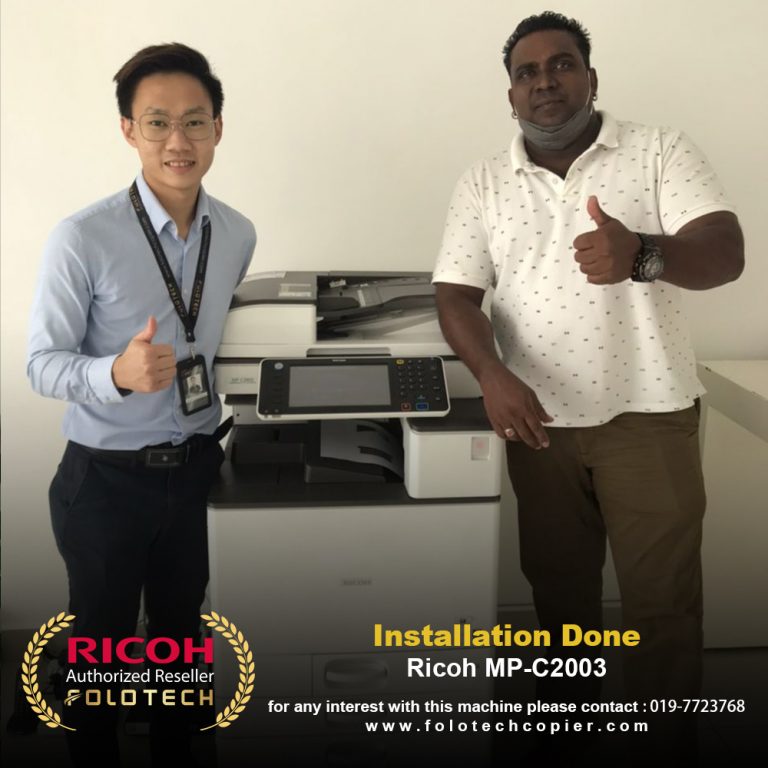
A multifunction photocopier (MFP) is a valuable tool in any workplace, capable of handling a variety of tasks beyond simple copying. However, many users overlook its full potential, limiting productivity. By focusing on the right strategies, you can make the most of your MFP and streamline your office operations.
Explore Advanced Features
Many MFPs come equipped with features like duplex (double-sided) printing, booklet creation, and mobile printing. Duplex printing helps save paper, while booklet creation is perfect for professional reports or presentations. Mobile printing allows you to print directly from smartphones or tablets, making it convenient for teams working on the go. Additionally, scan-to-email or scan-to-cloud features enable you to digitize documents quickly, improving document management and reducing clutter in your workspace.
Leverage Security Options
Modern MFPs offer advanced security features to safeguard your documents and data. For instance, setting up PIN codes or card authentication ensures that only authorized personnel can access certain functions or retrieve print jobs. Some machines also include encryption for sensitive data transfers, protecting your information from breaches. By leveraging these security options, you can confidently handle confidential documents without compromising data integrity.
Automate and Simplify Repetitive Tasks
MFPs often allow you to save frequently used settings, such as specific scanning formats, paper sizes, or print settings, into templates. This automation reduces the time spent configuring settings for recurring tasks like scanning invoices or printing forms. Some MFPs also support workflows that enable one-touch commands to perform multiple actions (e.g., scan, save, and email a document in one step). By automating these repetitive tasks, you save valuable time and minimize errors in daily operations.
By exploring advanced features, prioritizing security, and automating repetitive tasks, you can unlock the full potential of your multifunction photocopier. These steps not only improve efficiency but also help your office operate more sustainably and securely. Start implementing these tips today to transform your office productivity and get the most out of your investment!
Working with a Managed Print Services Provider
Relying on the expertise of a Managed Print Services provider, like Folo Tech, can assist you in streamlining your print fleet. And we’re got the tips and tricks to share with you to make sure your printing and copying projects run smoothly.
Click on the picture down below for more information, we provide 7 days FREE TRIAL for our service and various brand of photocopier machine, to experience our after sales service and machine performance.
VARIETY OF COPIER MACHINES BRAND AND TESTIMONIALS
INQUIRY SUBMIT FORM
COMPANY INFORMATION
Company Address : 44, Jalan Puncak, Taman Perindustrian Puncak, 81800 Ulu Tiram, Johor Company Email :enquiry@folotechcopier.com Contact Number :019 – 7723768